Text & dialogue
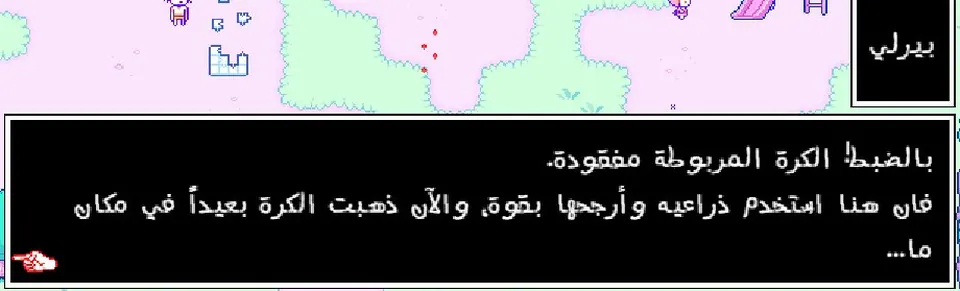
Every line of text in the game: 18,308 lines translated by hand and reviewed word by word — flowing right-to-left with right alignment, fitted to the game's own menus.
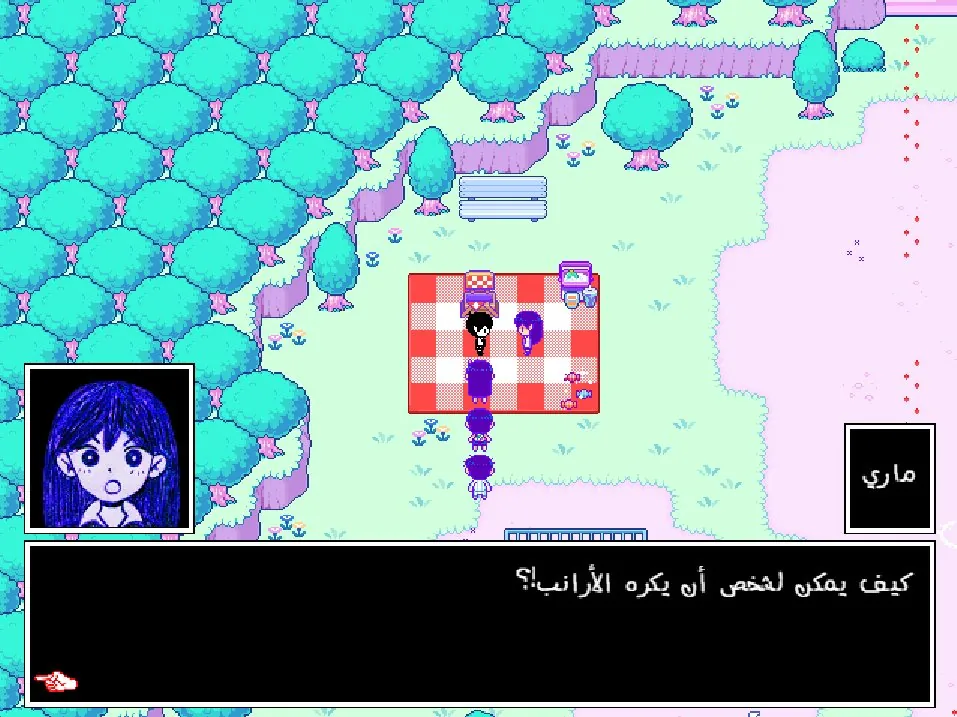
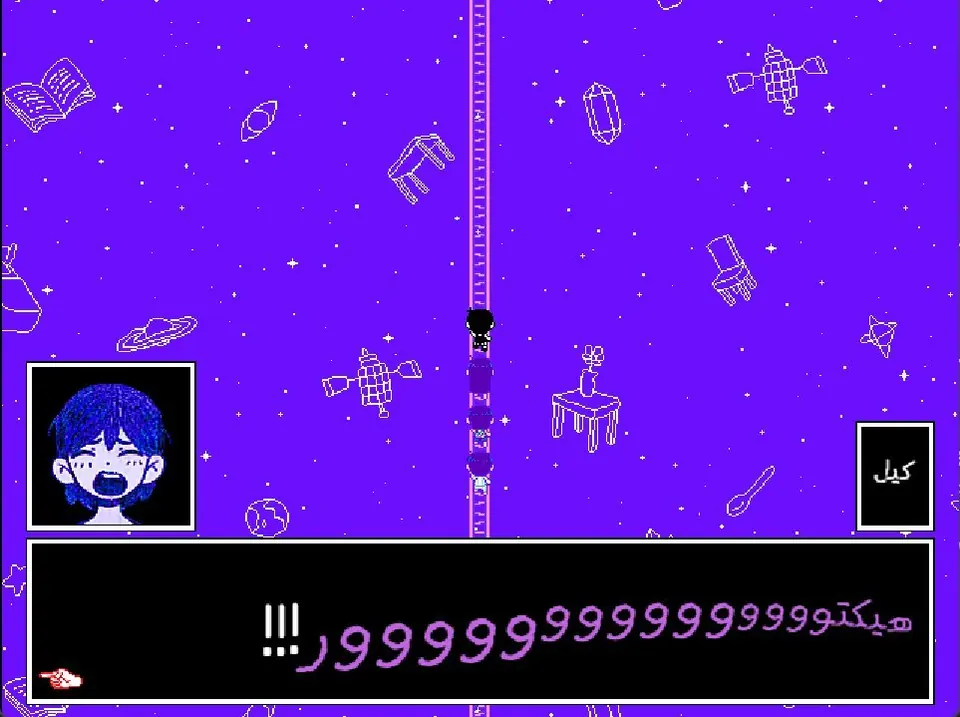
A complete Arabic translation of OMORI by Black with The Eternal Dream and Omori AR: every line of text translated by hand and reviewed word by word, every interface flipped right-to-left, the font rebuilt for Arabic, and every image localized to match the game's aesthetic.
Drop it onto your existing copy of the game — it never touches the game's own files, and runs alongside the OneLoader mod loader.
Every line of text in the game: 18,308 lines translated by hand and reviewed word by word — flowing right-to-left with right alignment, fitted to the game's own menus.
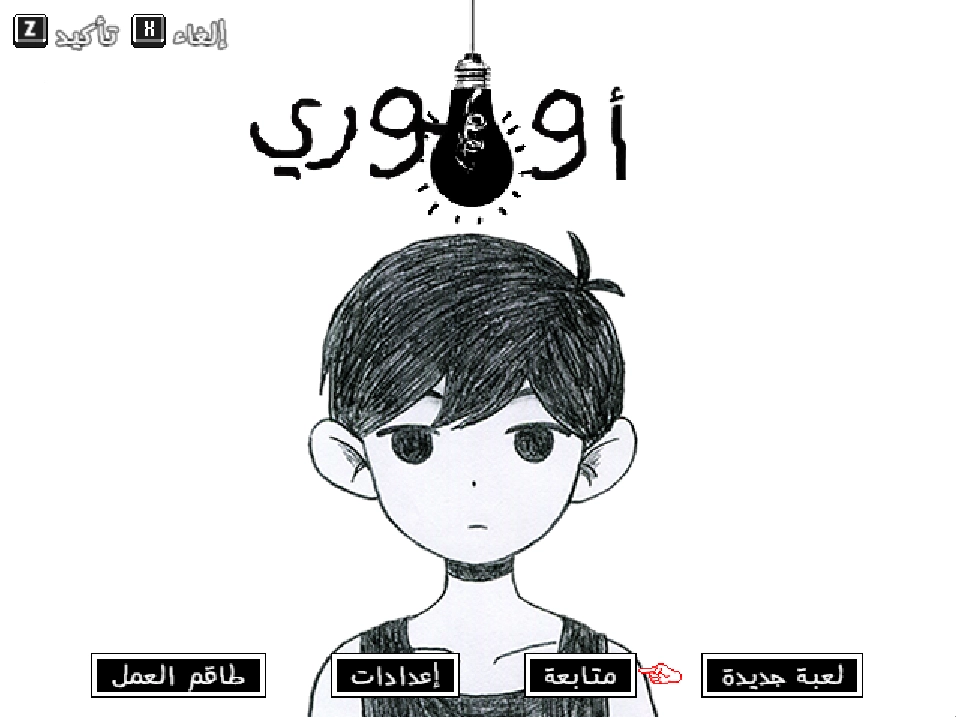
Title screen, options, save/load, shop, mail, quests, the encyclopedia, photo album, name entry, and the mod menu — all Arabic and mirrored right-to-left in the game's own style.
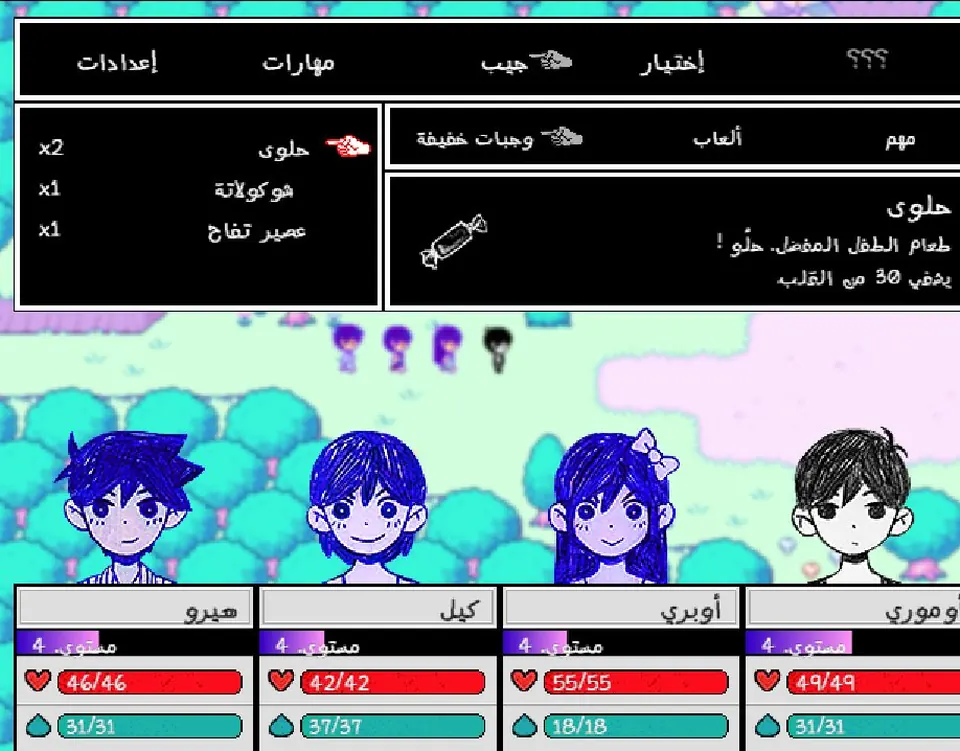
Battle log, party commands, skill bubbles, and the heart & juice bars — with a dedicated feminine form for Aubrey.
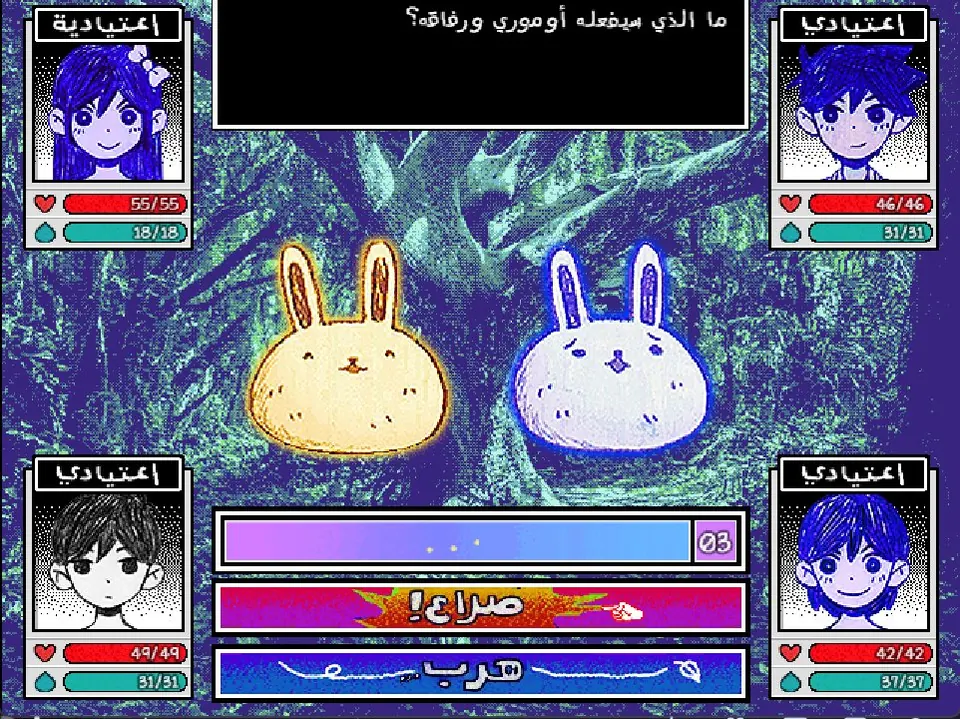
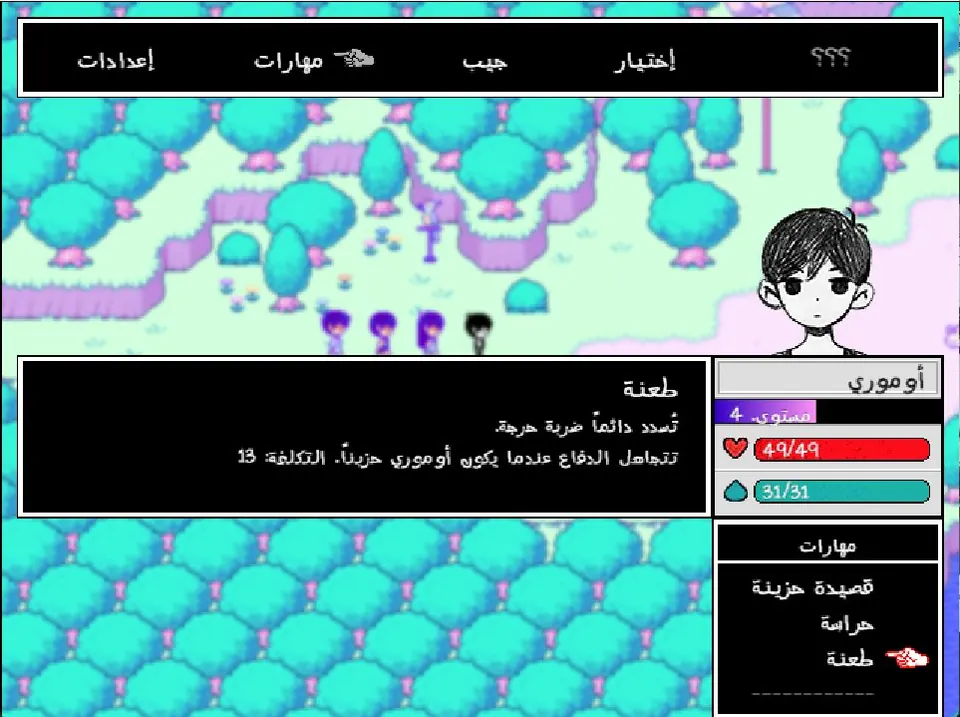
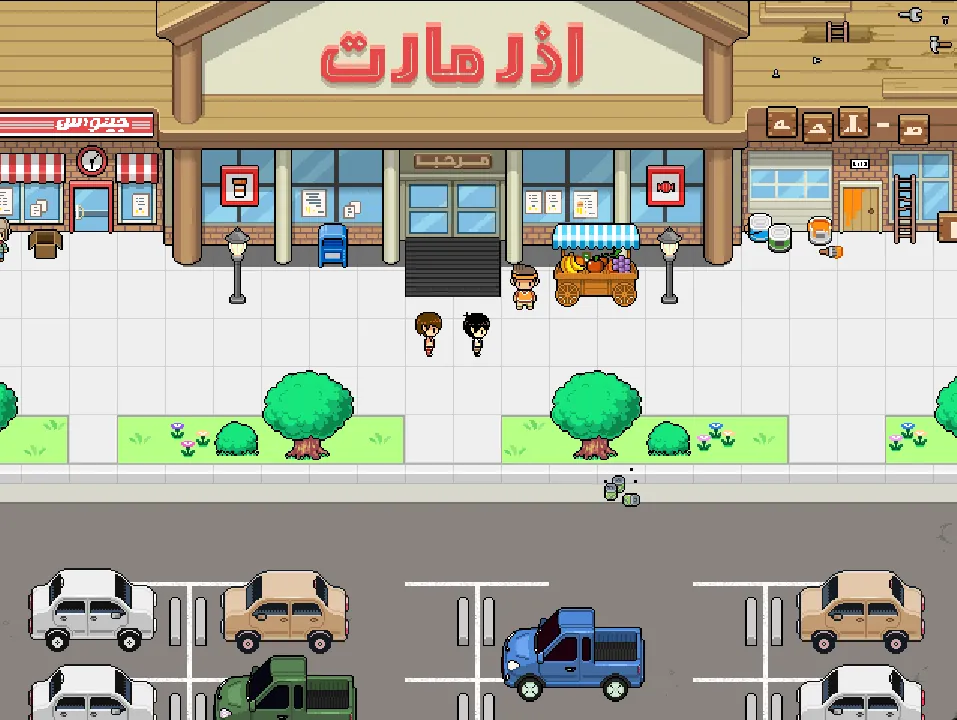
235 in-game images redrawn in Arabic to match the game's aesthetic: signs, the game-over screen, minigames, posters, and the title-screen buttons.
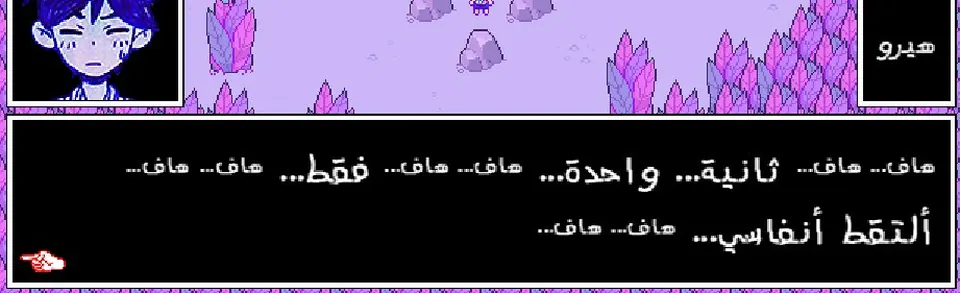
The game's fonts were rebuilt to support Arabic letters — in-game text looks drawn by the game's own hand, as if it were made just for it.
A human translation reviewed by one proofreader, Allen Wouka, making sure every word sits where it best reflects the game's spirit and mood.
Pick your platform — the patch is free, and you need an original copy of OMORI.
Install steps below ↓
The Android build is still being prepared and has not been uploaded yet — follow the team channels for the announcement. The install steps below already apply to it.
Install steps below ↓
Don't own the game?
 Buy OMORI on Steam
These steps are for the Android build, which is still being prepared. If you get an APK from outside the team's channels, don't install it.
Yes — like all fan translations. You still need an original copy of OMORI.
No — it installs as a side-loading mod on top of your copy. To remove it, delete the Omori AR folder and the game is exactly as it was.
Yes — but the character name you typed yourself appears in English, because it is stored inside the save file. In a new game the name shows in Arabic as expected.
Yes — the battle log and the emotion states have a feminine version, and it appears even when Aubrey leads the party.
First check that the Omori AR folder sits inside www/mods/ and that OneLoader is installed as shown in the install steps above, then close the game completely and open it again. If nothing shows up, launch the game from Steam directly and temporarily disable any other mod to rule out a conflict.
Usually yes — it runs on OneLoader and never replaces the game's files, though mods that rewrite dialogue or the font itself can clash on a few screens.
The PC patch targets Windows. On Steam Deck you can try it through Proton by following the same steps inside the game folder, but it is not officially supported.
Black ·
 The Eternal Dream
·
The Eternal Dream
·
 Omori AR
and you.


